
The Problem
Microsoft doesn't provide a public API for Outlook contact list management (official response). Adding hundreds of contacts manually is tedious. The solution? Reverse-engineer the web interface API.
Analyzing the API
Let's analyze the API used to add emails to a contact list:
-
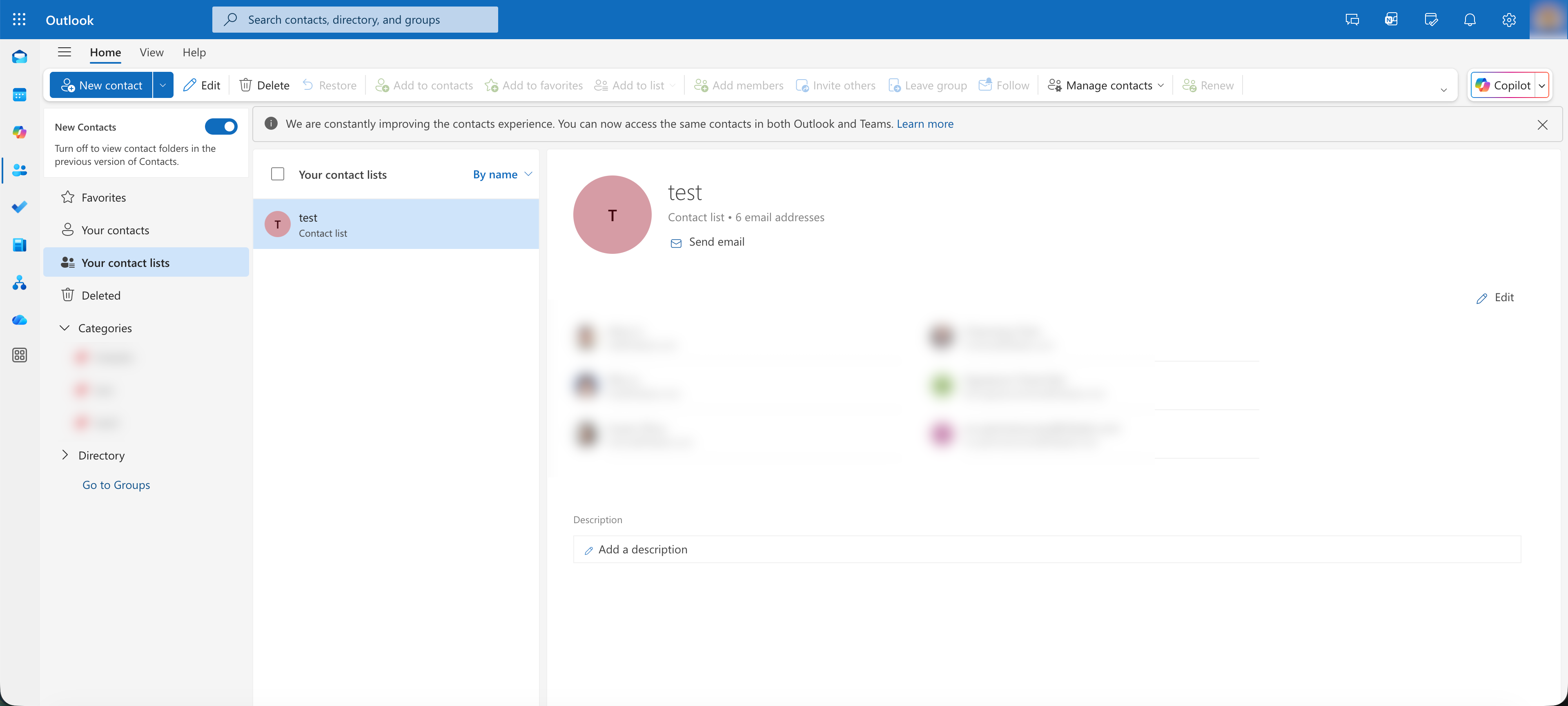
Open the Outlook web interface and navigate to your distribution list.
-
Open DevTools (F12) and switch to the Network tab.
-
Add 4 or more contacts manually to trigger the correct body format (clear the network records before clicking the save button).
[!NOTE] It is interesting to note that the request format changes based on the number of contacts:
- ≤3 contacts: Request data is sent in the
x-owa-urlpostdataheader. - ≥4 contacts: Request data is moved to the request body.
- ≤3 contacts: Request data is sent in the
-
Locate the request.
The request URL is:
https://outlook.office.com/owa/service.svc?action=UpdatePersona
The Payload Format
The request body uses the following JSON structure:
{
  "request": {
    "__type": "UpdatePersonaJsonRequest:#Exchange",
    "Header": {
      "__type": "JsonRequestHeaders:#Exchange",
      "RequestServerVersion": "V2018_01_08",
      "TimeZoneContext": {
        "__type": "TimeZoneContext:#Exchange",
        "TimeZoneDefinition": {
          "__type": "TimeZoneDefinitionType:#Exchange",
          "Id": "China Standard Time"
        }
      }
    },
    "Body": {
      "__type": "UpdatePersonaRequest:#Exchange",
      "PersonaId": {
        "__type": "ItemId:#Exchange",
        "Id": "your-persona-id"
      },
      "PersonTypeString": "DistributionList",
      "PropertyUpdates": [
        {
          "__type": "PersonaPropertyUpdate:#Exchange",
          "Path": {
            "__type": "PropertyUri:#Exchange",
            "FieldURI": "PersonaMembers"
          },
          "AddMemberToPDL": {
            "Name": "Contact Name",
            "EmailAddress": "email@example.com",
            "RoutingType": "SMTP",
            "MailboxType": "Mailbox",
            "OriginalDisplayName": "email@example.com",
            "EmailAddressIndex": "0",
            "RelevanceScore": 68
          }
        }
      ]
    }
  }
}
You can add multiple emails within the PropertyUpdates array.
Now you can batch add emails programmatically. It is recommended to process them in groups (e.g., 100 at a time) to avoid hitting any potential size restrictions imposed by Microsoft.
Comments